How to Create Polls in iMessage (iOS 26)

iOS 26 introduces a built-in Polls feature for iMessage, allowing you to quickly gather opinions from a group without the chaos of multiple text…

iOS 26 introduces a built-in Polls feature for iMessage, allowing you to quickly gather opinions from a group without the chaos of multiple text replies. This native tool keeps decision‑making clean and organized, directly within your conversation.
If you also want to personalize Messages app with custom backgrounds, the new customization options work hand‑in‑hand with polls for a truly tailored messaging experience.
How to Create and Send a Poll
Before you begin, ensure everyone in the group chat is using iMessage (blue bubbles) and has updated their device to iOS 26. The polls feature will not work in SMS (green bubble) conversations.
- Open the Messages app and navigate to the iMessage group chat where you want to create the poll.
- Tap the plus (+) icon to the left of the text input field.
- From the menu that appears, select Polls.
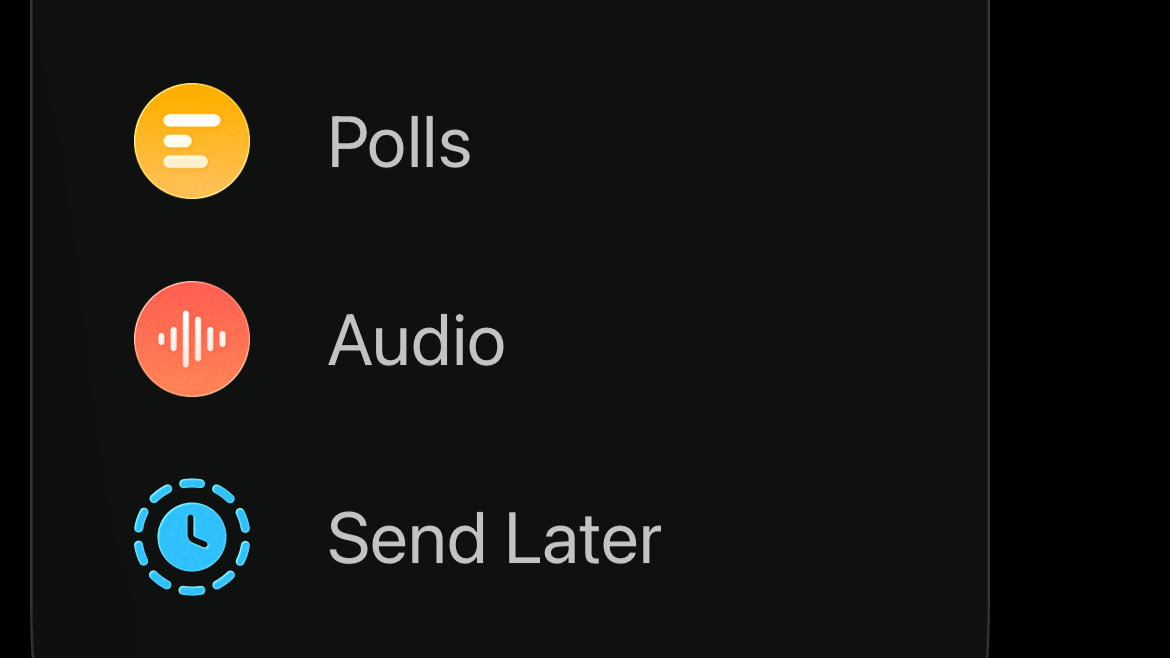
- In the poll creation screen, type your question in the “Question” field.
- Tap “Add an Option” to enter your first choice. Continue adding options as needed. You can include up to 12 different choices.
- Once your question and options are set, tap Send to post the poll in the chat.
While you’re in Messages, you might also explore live translation in Messages for multilingual conversations.
How Voting Works
After you send the poll, it will appear in the conversation for everyone to see and interact with. The process is simple and transparent.
- To vote: Participants can simply tap on one or more options directly within the chat bubble.
- Real‑time results: The poll updates live as people vote, showing the current tally next to each option. This keeps everyone in the loop without extra messages.
- See who voted for what: For more detail, long‑press the poll message in the chat and tap Poll Details. A new screen will appear showing a breakdown of which person voted for each option.
If you need to handle multilingual groups, consider using audio translation during calls on iOS 26 to keep everyone on the same page.