Fix: Cannot Close Windows on iPad After iOS 26
Following the upgrade to iPadOS 26, some users have encountered a frustrating bug that prevents them from closing open app windows. As detailed in…

Practical, hands-on guides for getting more out of your devices and apps. Step-by-step instructions written by people who actually use the tech they write about.
Following the upgrade to iPadOS 26, some users have encountered a frustrating bug that prevents them from closing open app windows. As detailed in…
With the release of iOS 26, many users have been confused and frustrated to find that the “Select All” button in the Mail app…
Focus Modes iOS 26 transform how you manage notifications and distractions on your iPhone. Instead of silencing everything with Do Not Disturb, Focus…
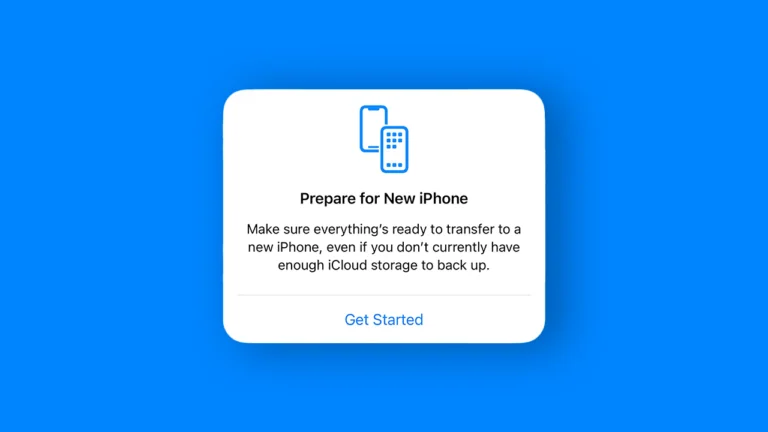
Understanding the difference between reset all settings vs factory reset on your iPhone can save you from accidentally deleting irreplaceable photos, messages, and…
Spam calls and robocalls are relentless. If you’re tired of your iPhone ringing every time a telemarketer or scammer dials your number, Silence…
With iOS 26, Apple has introduced a significant overhaul to the Home Screen, giving you powerful new tools to change the look of your…
With iOS 26, you can now personalize your iMessage conversations by adding custom backgrounds. This feature lets you set a unique wallpaper for each…
iOS 26 introduces Genmoji, a new feature powered by Apple Intelligence that lets you create custom emoji‑like images directly from your keyboard. Instead of…
iOS 26 introduces Genmoji, a powerful new feature that lets you create custom emoji using Apple Intelligence. Instead of being limited to the standard…
Safari in iOS 26 introduces a fresh visual style with its new “Liquid Glass” design, featuring a minimalist, floating tab bar that gives more…
The Calculator app in iOS 26 gets a major upgrade with the introduction of 3D graphing. This new feature allows you to visualize complex…
How to Use the New Camera Mode Wheel in iOS 26 The Camera app in iOS 26 gets a major redesign focused on…